|
|
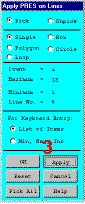
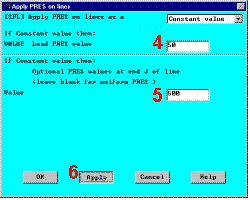
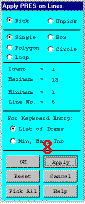
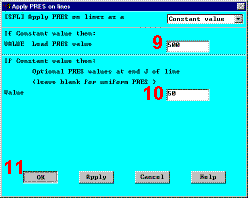
20. Apply pressure load.Now apply the tapered pressure load to the bottom, right-hand pin hole. ("Tapered" here means varying linearly.) Note that when a circle is created in ANSYS, four lines define the perimeter. Therefore, apply the pressure to two lines making up the lower half of the circle. Since the pressure tapers from a maximum value (500 psi) at the bottom of the circle to a minimum value (50 psi) at the sides, apply pressure in two separate steps, with reverse tapering values for each line. The ANSYS convention for pressure loading is that a positive load value
represents pressure into the surface (compressive). |
|
|
|