
|
|
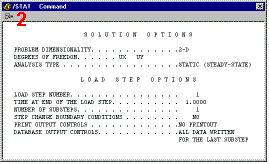
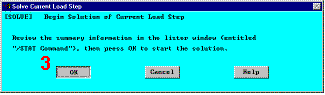
Obtain Solution21. Solve.
|
|
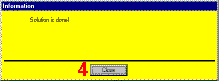
The results of this one load step problem are stored in the database and on the results file, Jobname.RST (or Jobname.RTH for thermal, Jobname.RMG for magnetic, and Jobname.RFL for fluid analyses). The database can actually contain only one set of results at any given time, so in a multiple load step or multiple substep analysis, only the final solution is stored in the database. All solutions can be stored on the results file.
|
   |

