16. Define real constants.

For this analysis, since the assumption is plane stress with thickness, the thickness is entered as a real constant for PLANE82. To find out more information about PLANE82, we’ll demonstrate using the ANSYS Help System in this step.

  1. Main Menu:  Preprocessor
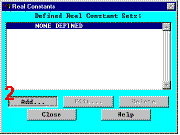
         Real Constants
  2. Add a real constant set 
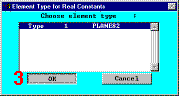
  3. OK for PLANE82 
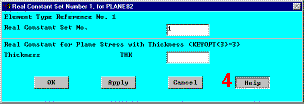
  4. Help to get help on PLANE82 
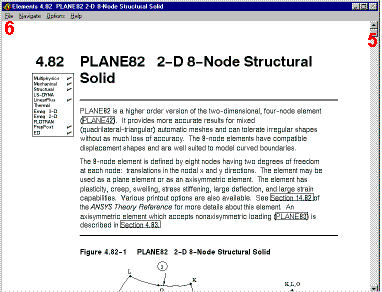
  5. Hold left mouse button down to scroll through element description 
  6. File > Exit to exit the Help System 
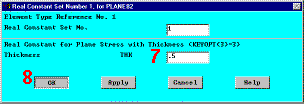
  7. Enter .5 for THK 
  8. OK to define the real constant and close the dialog box 
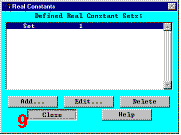
  9. Close the real constant dialog box 

Previous   Next 

Real ConstantsElement Type for Real ConstantsReal Constant Set Number 1, for PLANE82
Elements 4.82 PLANE82 2-D Node Structural SolidReal Constant Set Number 1, for PLANE82
Real Constants