12.  Solve.

  1. Main Menu:  Solution
         -Solve-Current LS
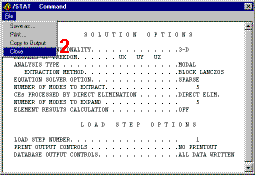
  2. Review the information in the status window, then choose
    File
         Close
    (Windows NT / Windows 95), or Close (X11 / Motif), to close the window 
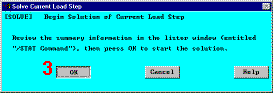
  3. OK to initiate the solution 
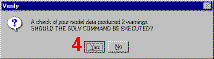
  4. Yes 
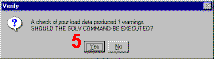
  5. Yes 

Based on previous discussions, the warnings are accepted.  The messages presented in the verification window are due to the face that PLANE42 elements have been defined but not used in the analysis.  They were used to mesh a 2-D cross-sectional area.

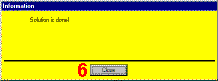
  1. Close to acknowledge that the solution is done 

Previous   Next 

/STAT CommandSolve Current Load Step
VerifyVerify


Information